Showcase 09 · Path tracing
Light
The Werk app from the process section, on a phone on a desk. The picture is made the way an offline renderer makes it: light paths are traced physically, and it gets clearer with every pass. Drag to turn the camera, pick the casing and set focal length and aperture.
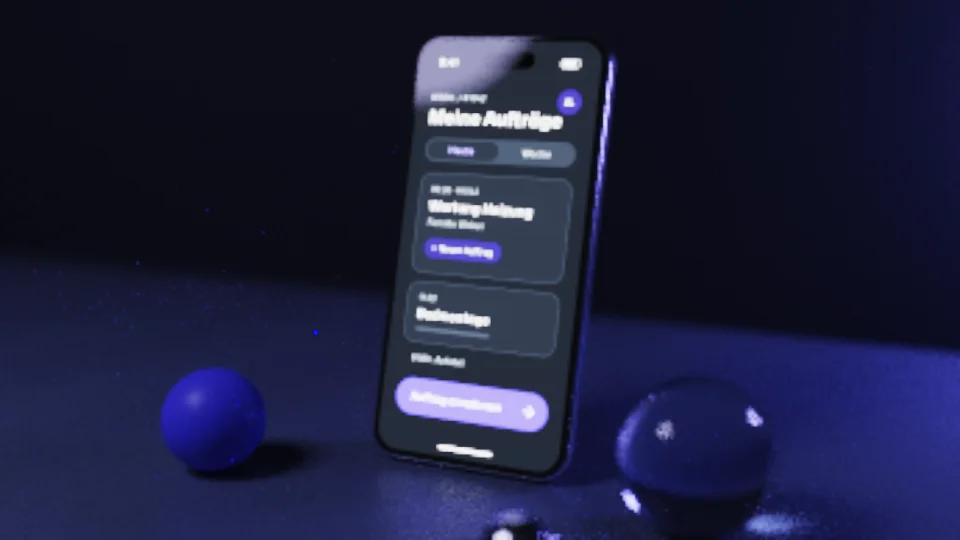
The live demo needs JavaScript and WebGL 2 with float render targets. The picture shows a fully rendered frame; the explanation below reads fine without it.
- Samples/pixel
- –
- Rays/s
- –
- Bounces
- –
- Frames/s
- –
- Renderer
- WebGL 2 · Pathtracing
How it works
For every pixel a light path is traced backwards: from the camera through a lens with a real aperture, past desk, wall and casing, until it reaches a light or fades out. Metal and paint scatter according to a microfacet model (GGX), glass refracts and reflects following the Fresnel equations. At every hit a light source is also sampled directly, including the app's screen, which glows as an area light itself (next event estimation with multiple importance sampling).
Every pass adds one random sample per pixel; the picture is their mean and grows calmer with each sample (Monte Carlo integration). While you move the camera a fast preview runs with fewer bounces, and a filter that respects edges, depth and material colour smooths it. As soon as the camera rests, the renderer keeps gathering until it converges. Resolution and samples per frame adapt to the frame rate; the colours come from the design tokens.