Showcase 06 · Raymarching
Frozen Glass
The design system's Frozen material, this time as real glass. An app icon, a browser window, a neuron and the Moralo “M” float in a studio and melt smoothly into one another while three glass droplets merge with them. Drag with your mouse or finger to turn the scene; a click forms the next object.
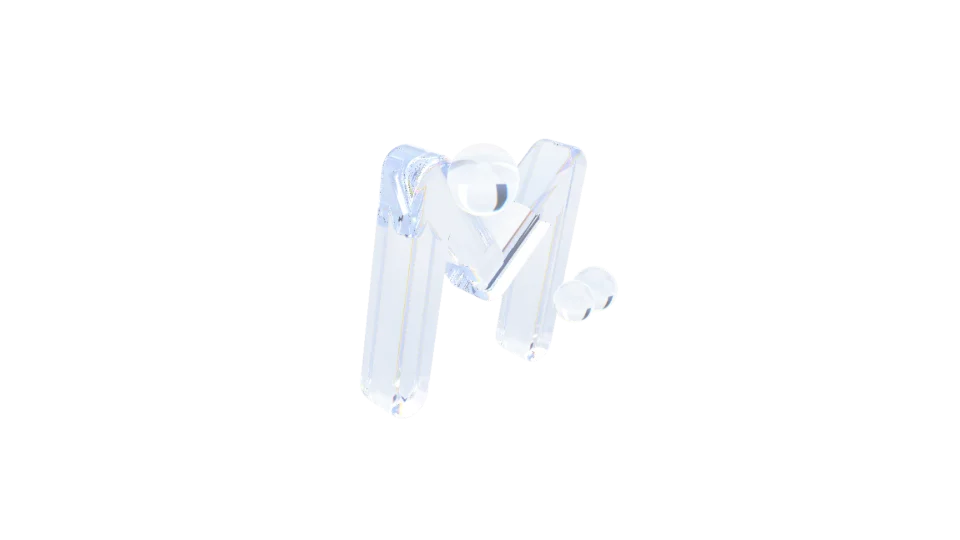
The live demo needs JavaScript and WebGL 2. The picture shows the Moralo “M” in glass; the explanation below reads fine without it.
- Rays/s
- –
- Bounces
- –
- Render resolution
- –
- Frames/s
- –
- Renderer
- WebGL 2 · SDF
How it works
Not a single triangle: every shape is a distance function, a formula that returns the distance from any point in space to the nearest glass surface. A fragment shader sends a ray out for every pixel and steps along it by that distance until it meets the surface (raymarching). When the object changes, the distances of two shapes are blended, and the droplets merge into the body through a smooth union.
At the glass every ray splits into reflection and refraction according to the Fresnel equations. Red, green and blue have their own indices of refraction, which produces the rainbow edges of dispersion. Inside, the ray bounces several times, including total internal reflection, and the glass absorbs a little light along the way. On the floor, light focused by the glass gathers into caustics. The scene is rendered at a lower resolution and scaled up; resolution and bounces adapt to the frame rate. The studio lights come from the design tokens.